Aftershoot AI-powered photography workflows
Led product design at Aftershoot, an AI tool that culls and edits photos for professional photographers. Led the consolidation of the culling and editing products into one workflow, and set the brand's visual direction across marketing and product.
- role
- Lead Product Designer
- period
- 2023–2025
- industry
- AI, photography
- scope
- cull and edit in one workflow · AI culling · importing · filtering · preferences · image review · brand visual direction
In numbers
Overview
Aftershoot reduces the time photographers spend on post-production. Its main users are wedding, portrait, sports and product photographers.
Context
Culling and editing were separate products. Photographers selected images in one app and edited them in another. A single wedding can produce thousands of images, so every step between tools added time.
Challenge
Consolidate culling and editing into one application without adding complexity to either. Automate selection while keeping the final decision with the photographer.
Key decisions
Visual direction
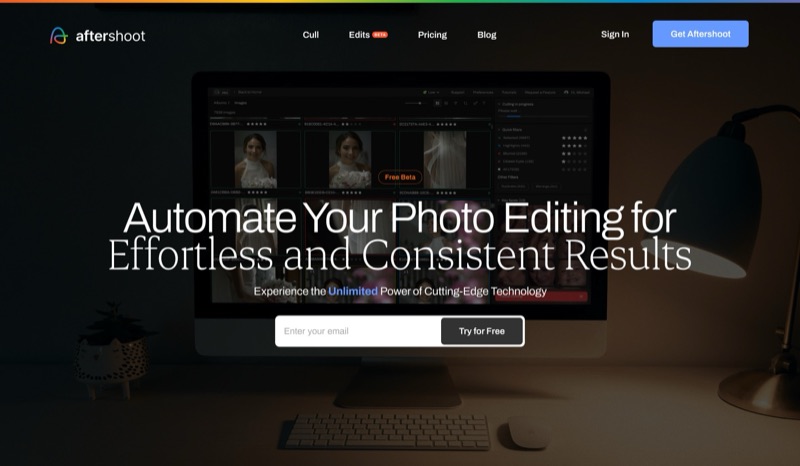
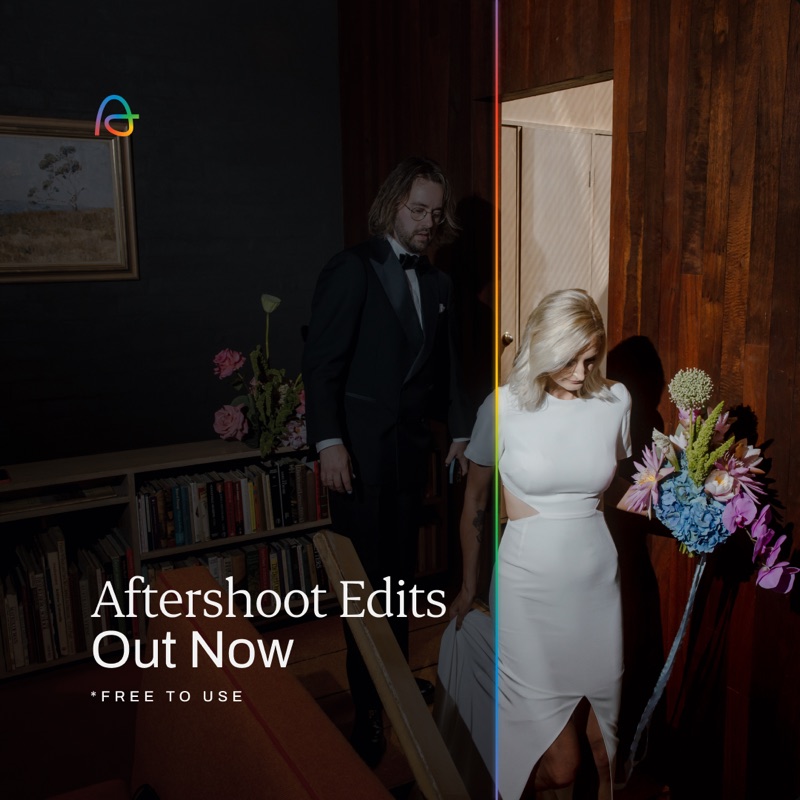
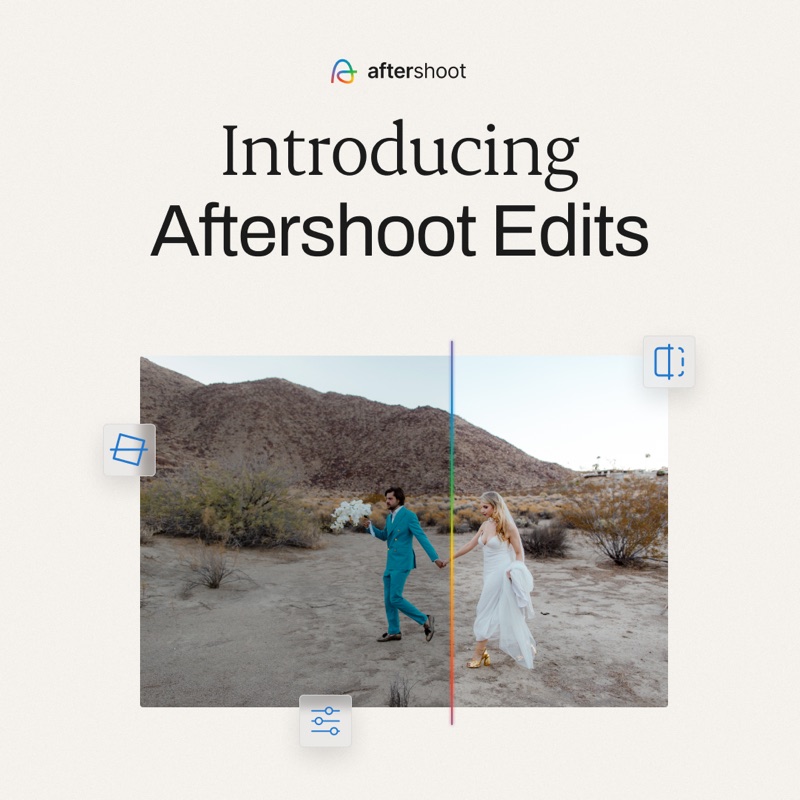
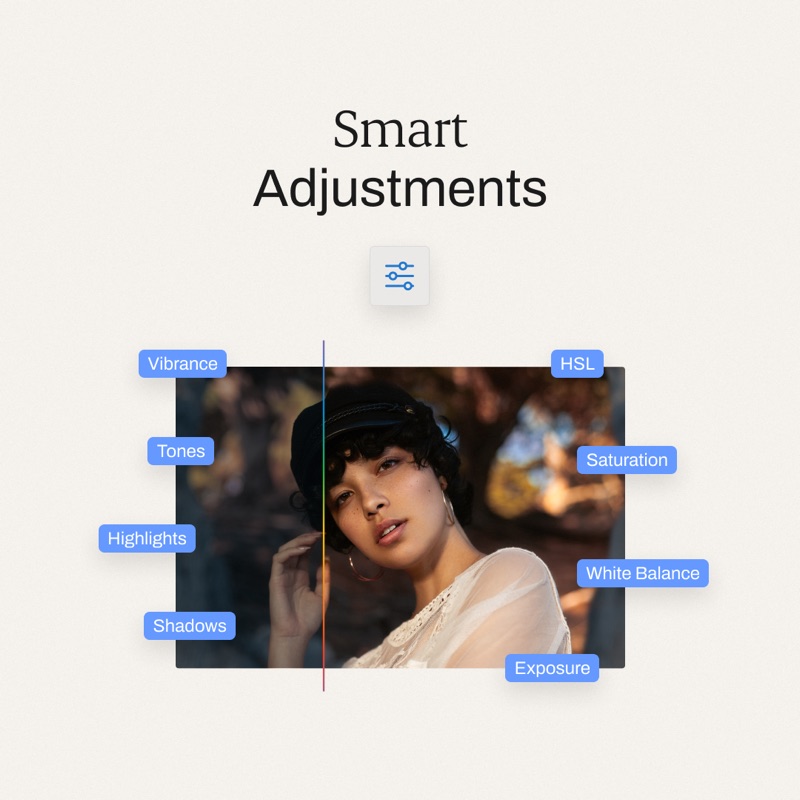
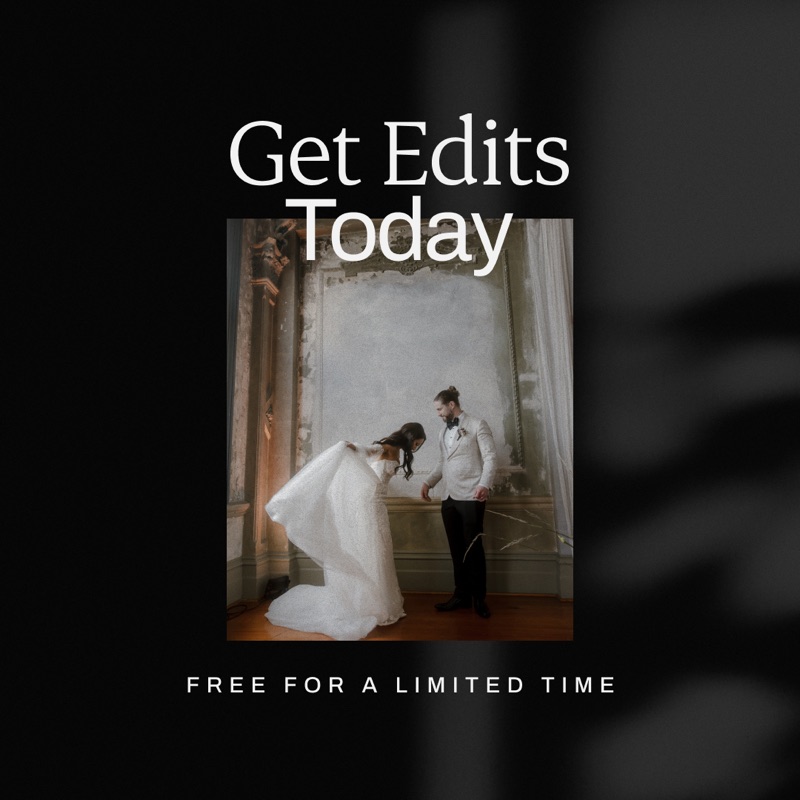
Defined the visual direction for the website, launch campaigns and product interface. All three use the same typography, product screenshots and photography-led layouts, so marketing shows the product as it is.
Organize
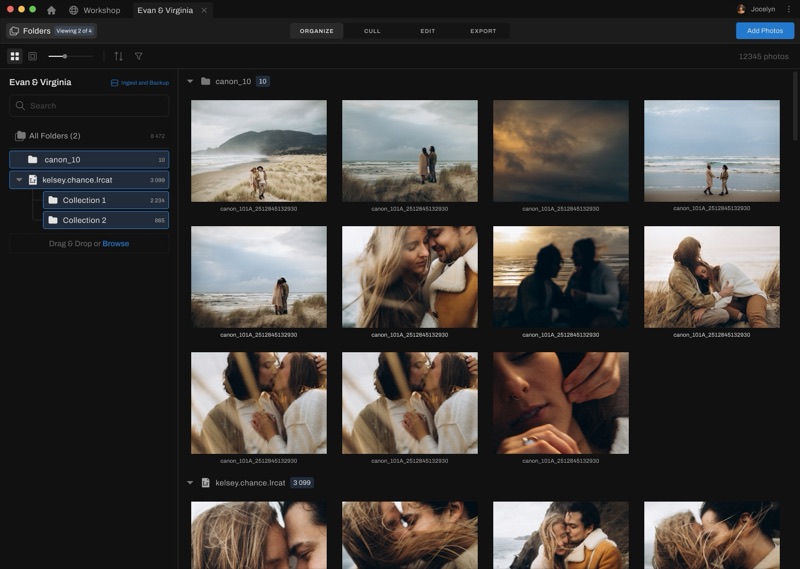
Designed a single grid for folders, catalogs and collections. Photographers review the complete shoot before culling starts.
Cull
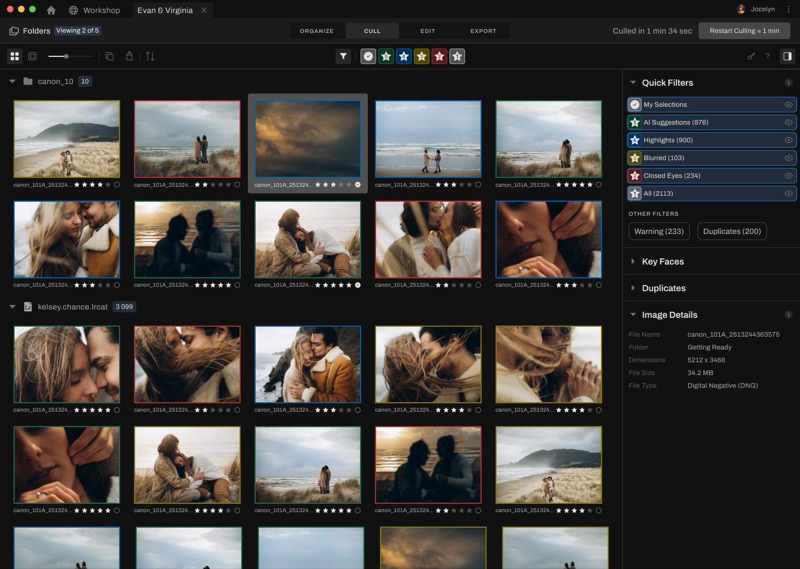
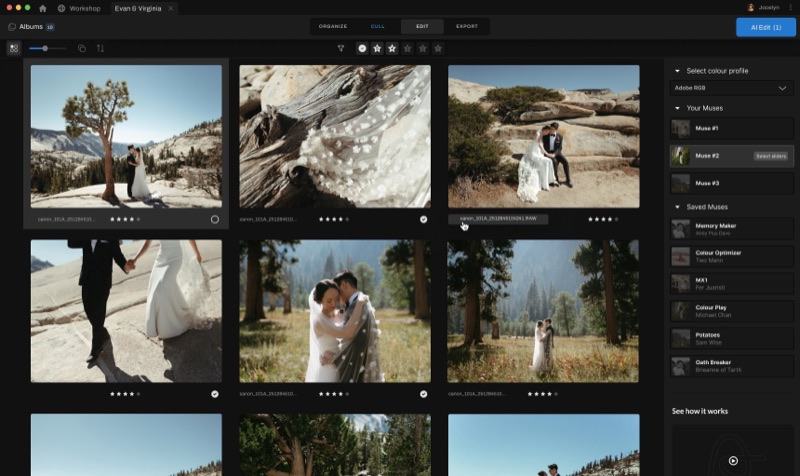
Presented the AI's results as filters with counts: selections, highlights, blurred, closed eyes and duplicates. Every image carries a rating and a colour label. Photographers can see why an image was excluded and override it. A preference setting controls how many images the AI selects.
Edit
Brought editing into the same workspace. Editing profiles are trained on a photographer's previous edits and applied to a selection in one step.
Outcome
Culling and editing now run in one application. Company ARR grew 5.3× (+433%) during my tenure. This is a company figure and reflects the work of the whole team.
Elsewhere
Aftershoot ↗aftershoot.comIn the journal
Contact
Always interested in meaningful work and good conversations. say hello ↗